
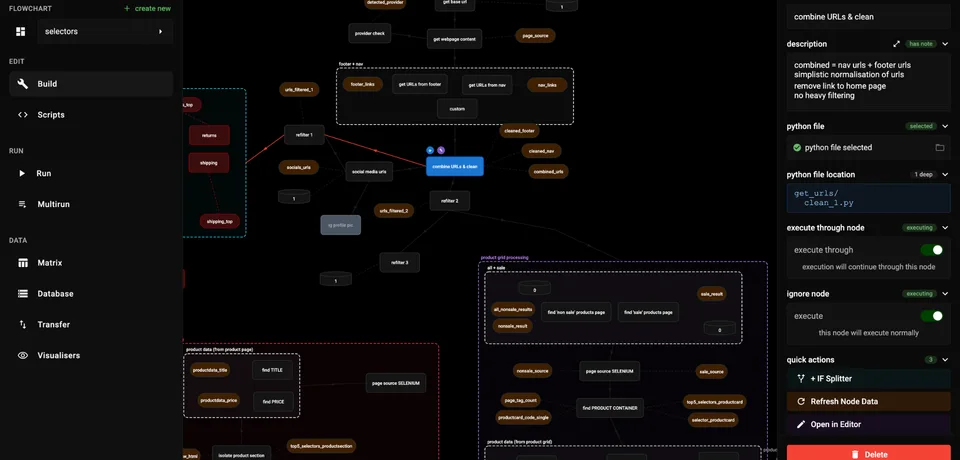
Build Visually
Drag and drop nodes onto the canvas and connect them in seconds. Inspect each node's specs in the sidebar and wire your flow together effortlessly.
Drag and drop nodes onto the canvas and connect them in seconds. Inspect each node's specs in the sidebar and wire your flow together effortlessly.
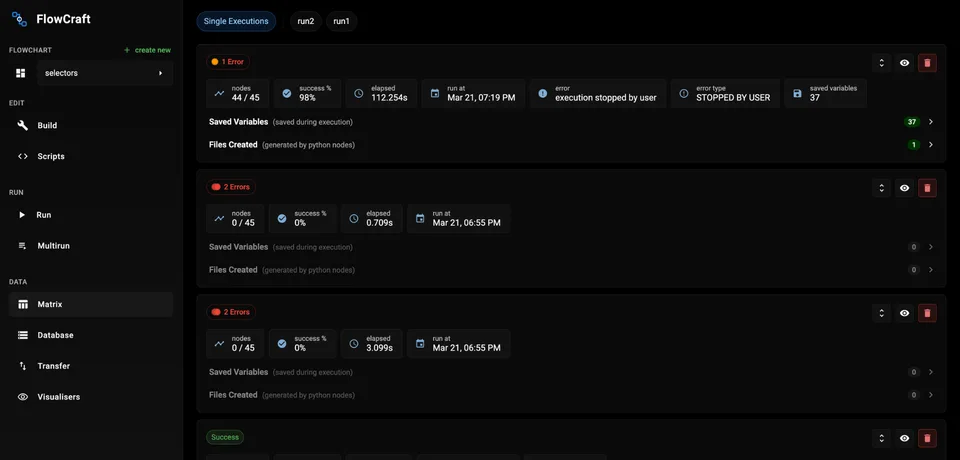
Start a run and come back when it finishes. See a full overview of the flow — where errors occurred, why they failed, and quick access to key variables and files.
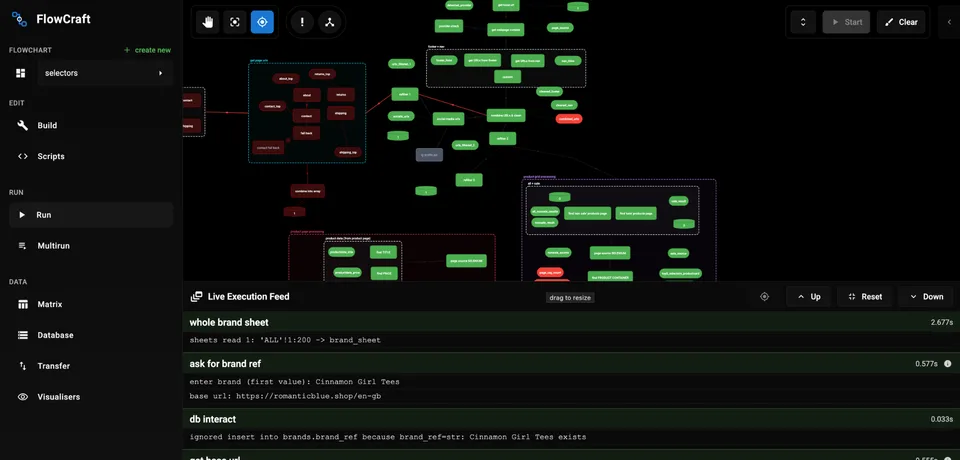
Pause a running flowchart mid-execution and resume from any node. Restore previous executions completely, exactly as they ran.
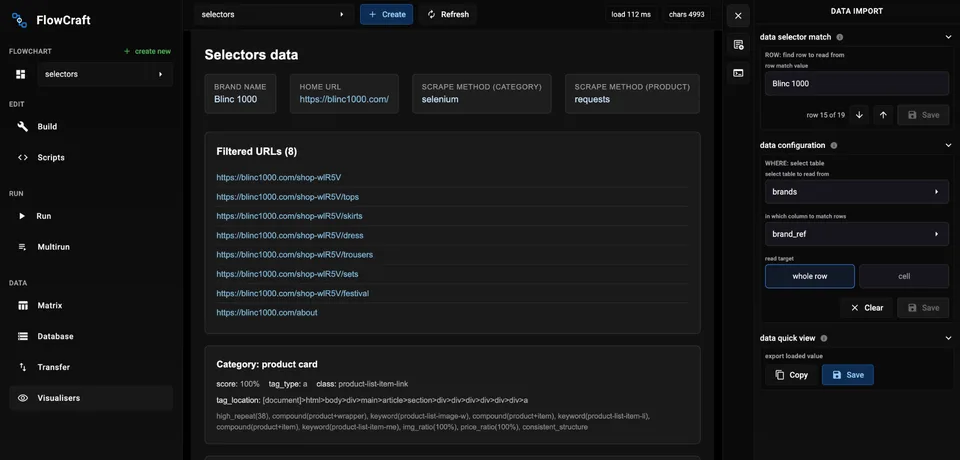
Build custom HTML, CSS, and JS UIs to explore execution output. Describe what you want broadly — we include clear instructions for AI code models to generate the view.
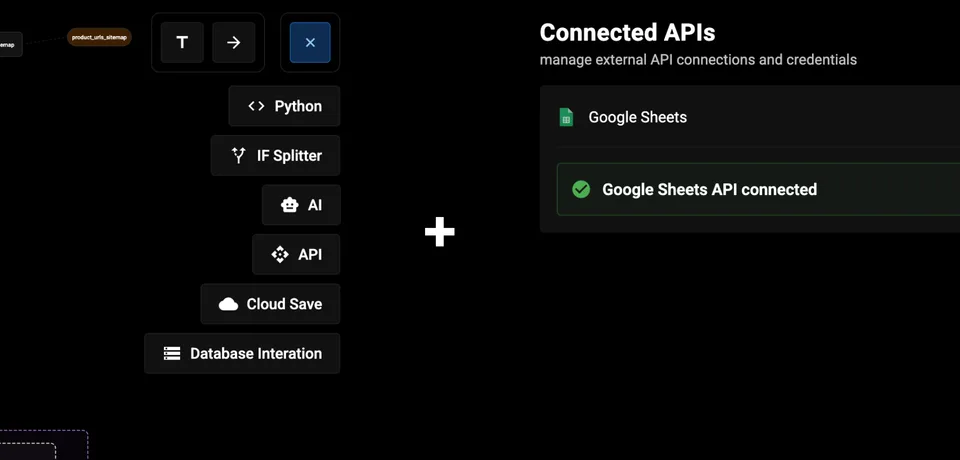
A broad set of node types covers every step: Python files for scripts, IF splitters for branching, API and AI calls, cloud saves, and database interactions.
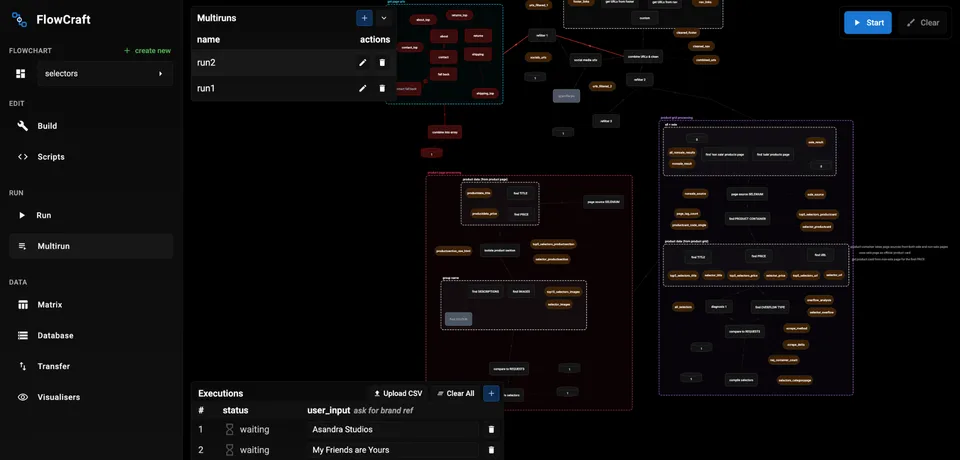
Schedule and queue multiple executions against the same flowchart. Run them in order and manage every result from a single panel.
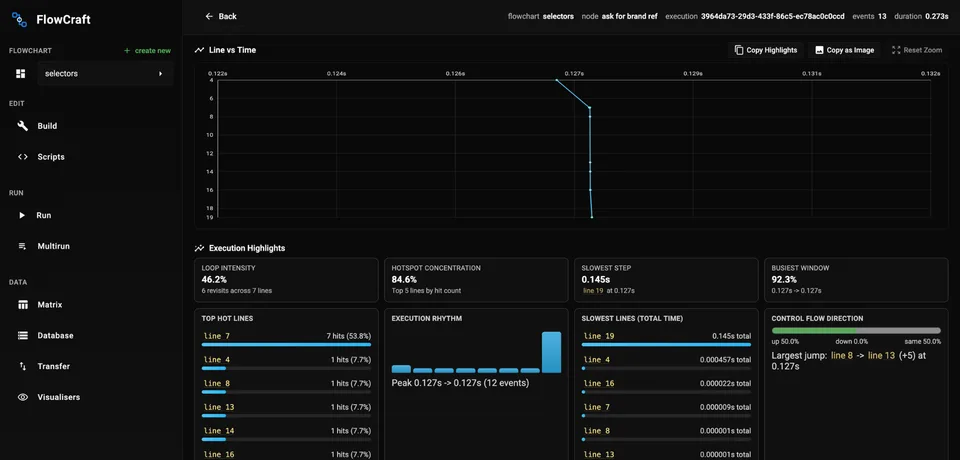
Graphical insights for each node show where your Python gets stuck — line timings, hotspots, and control flow. Ideal context when using AI to debug a failing step.
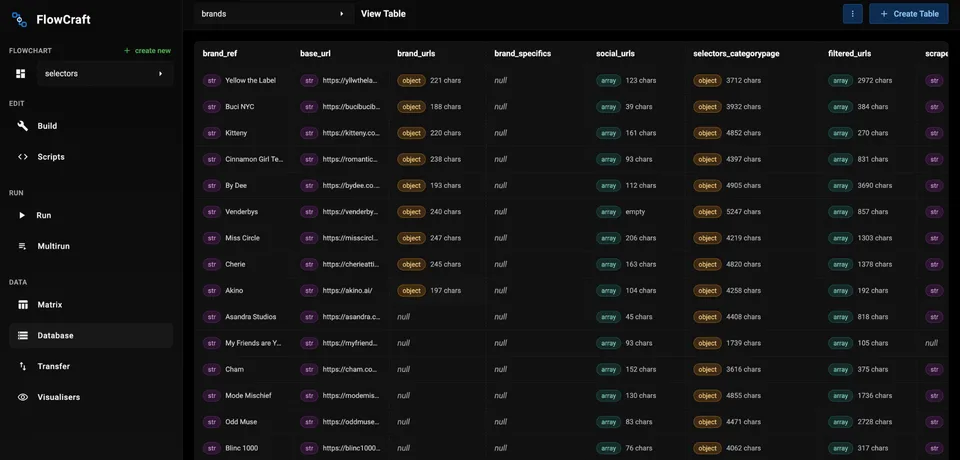
A built-in viewer and editor for structured, nested, and tabular data. Inspect and update records without leaving FlowCraft or opening another tool.
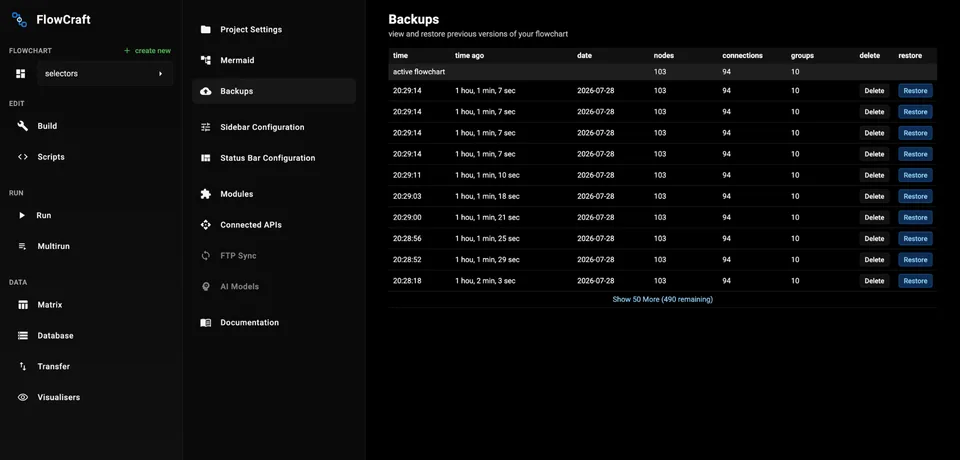
Smart backups are created whenever you make changes. Restore earlier versions and manage your backup history with ease.
Workflow
FlowCraft is built with the flowchart at the core — aimed at making both construction of your process and analysis of the outcome easier.
Open the canvas, add nodes, assign Python files, and connect them. Create links to define flows. Use the sidebar to configure each node's properties.
Execute an entire flow or a single node. Live stdout and stderr stream to the UI. Stop mid-flow, resume from where you left off, and configure timeouts from settings.
Save runs to persist them. Open the dashboard for success rates, timings, and recent failures. Drill into executions to see per-node output, variables, and line traces.
Explore execution output with the built-in database viewer and custom HTML, CSS, and JS visualisers. Inspect structured data and build the views you need without leaving FlowCraft.
Visual + Language
Built for Python developers, analysts, and solo builders who want visual debugging, run history, and a scripts explorer in one local tool.
Explore Docs